
Profile Settings
The Profile section in Assets allows you to configure your personal information, writing style, and content preferences for AI-powered post generation. These settings help LinkAssist create LinkedIn posts that reflect your voice, expertise, and interests.
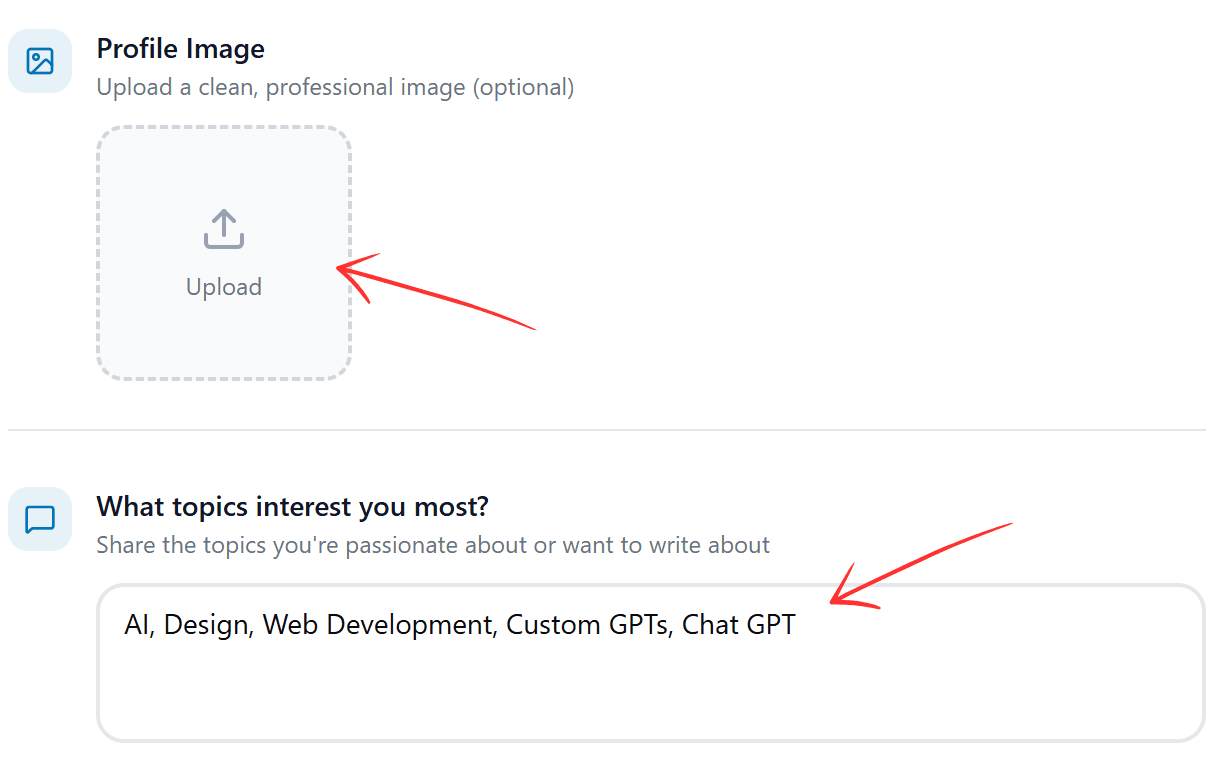
Upload Your Profile Image
You can upload a clean, professional profile image to personalize your account.
To upload an image:
- Go to Assets → Profile
- Find Profile Image section
- Upload your photo
Uploading an image is optional but helps maintain consistent branding.
Choose Your Topics of Interest
Add the topics you want to write about on LinkedIn.
These topics help LinkAssist:
- Suggest relevant content ideas
- Generate more accurate posts
- Match your industry focus
To add topics:
- Open What topics interest you most?
- Enter topics separated by commas (Example: AI, Design, Web Development, Custom GPTs)
- Save changes
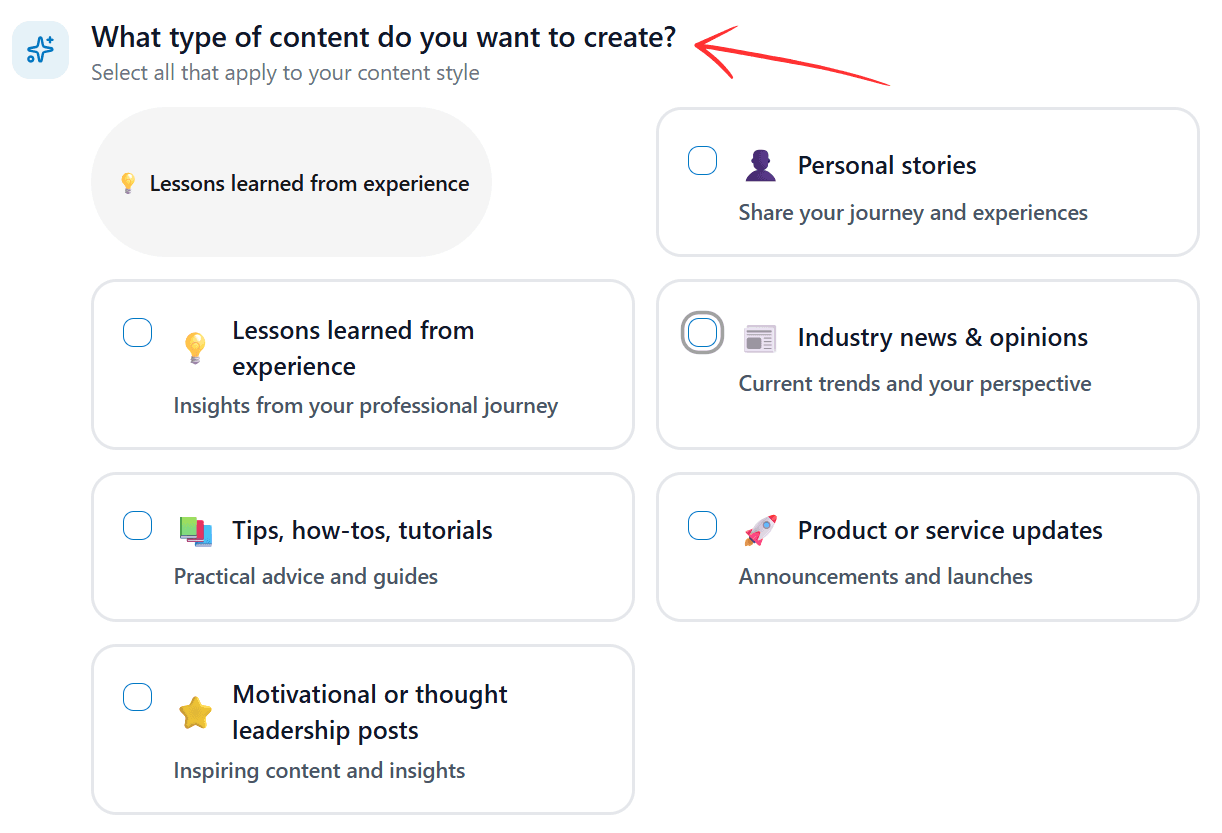
Select What Type of Content You Want to Create
Choose the types of LinkedIn posts you plan to create. You can select multiple options.
Available content types include:
- Personal stories
- Lessons learned from experience
- Industry news & opinions
- Tips, how-tos, tutorials
- Product or service updates
- Motivational or thought-leadership posts
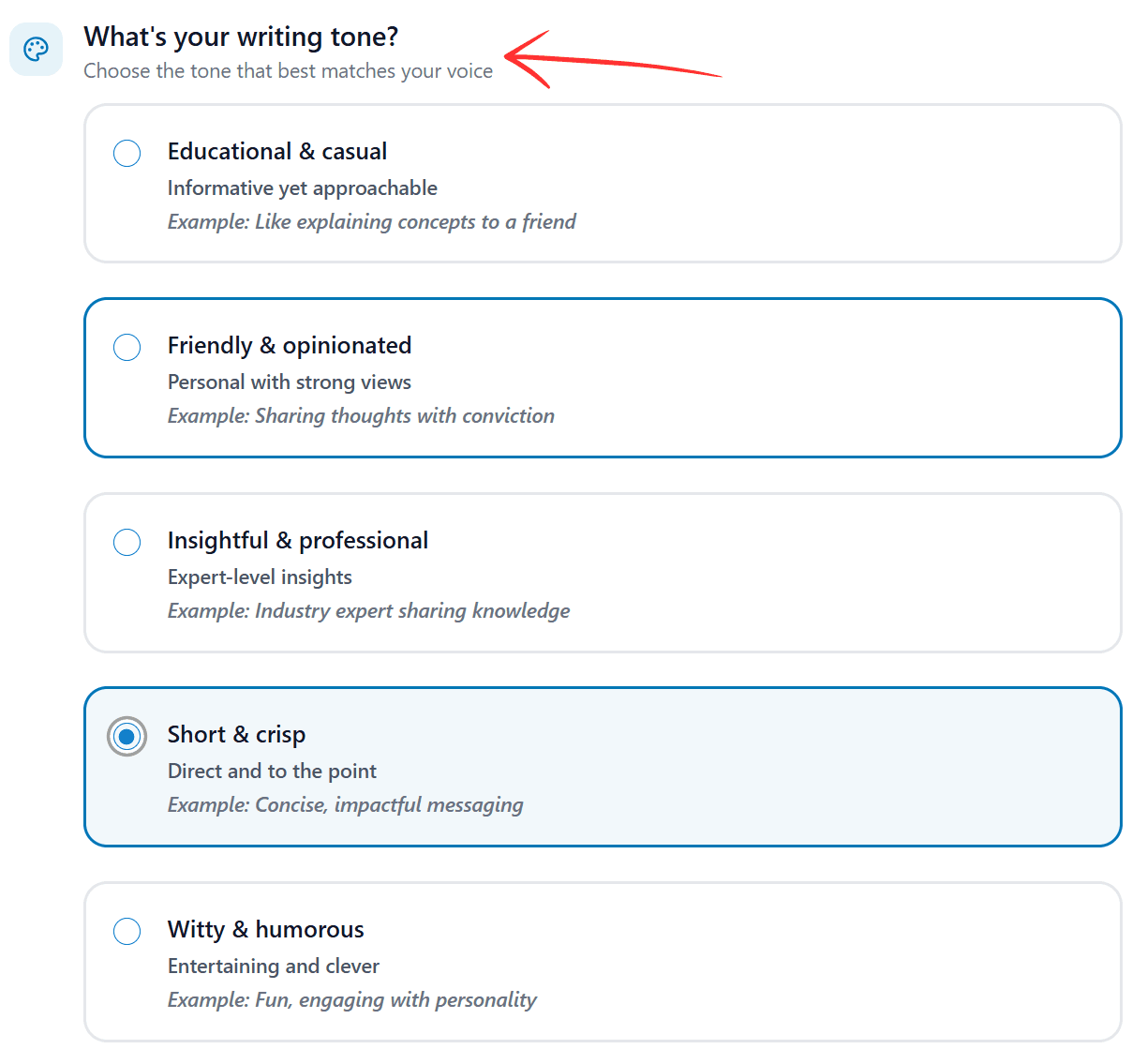
Choose Your Writing Tone
Select the tone that best matches how you want your LinkedIn posts to sound.
Tone options include:
- Educational & casual
- Friendly & opinionated
- Insightful & professional
- Short & crisp
- Witty & humorous
Your selection will automatically be used when generating posts.
Describe How You Want to Be Remembered
Use this section to describe your professional brand and what makes you unique.
You can include:
- Your role or profession
- Your expertise
- Your current focus
- Your goals

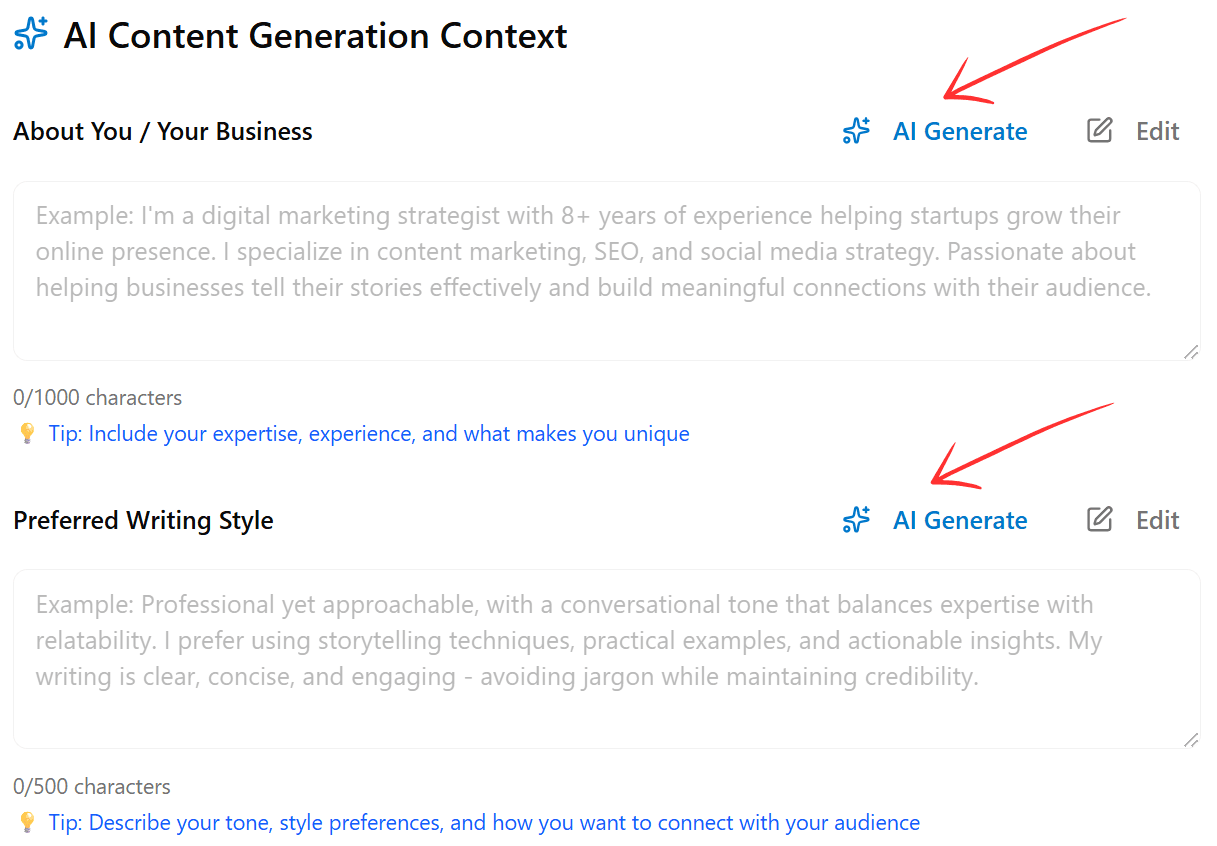
Add Your AI Content Generation Context
About You / Your Business
Provide background information about yourself or your business so the AI can generate more accurate content.
You may include:
- Industry or niche
- Experience level
- What you build or offer
- Your audience
Click AI Generate to auto-create this description or Edit to update it manually.
Set Your Preferred Writing Style
Describe how you want your posts to be written.
You can mention:
- Professional or casual style
- Story-driven or direct approach
- Short or detailed writing
- How you want to connect with your audience
Example: Professional but conversational, clear and engaging, using practical examples.
You can use AI Generate or edit this anytime.
The more detailed your profile settings, the better LinkAssist can match your unique voice and style.
What's Next?
- Generate personalized content with Post Writer
- Get tailored suggestions in Idea Labs
- View all settings in Settings