
Welcome to LinkAssist
The AI-powered LinkedIn Content Automation Platform. Create, schedule, and publish engaging LinkedIn content in your authentic voice.
LinkAssist Documentation
Welcome to the official documentation for LinkAssist — the all-in-one AI assistant and automation workspace built specifically for LinkedIn creators, founders, executives, and marketers.
New to LinkAssist?
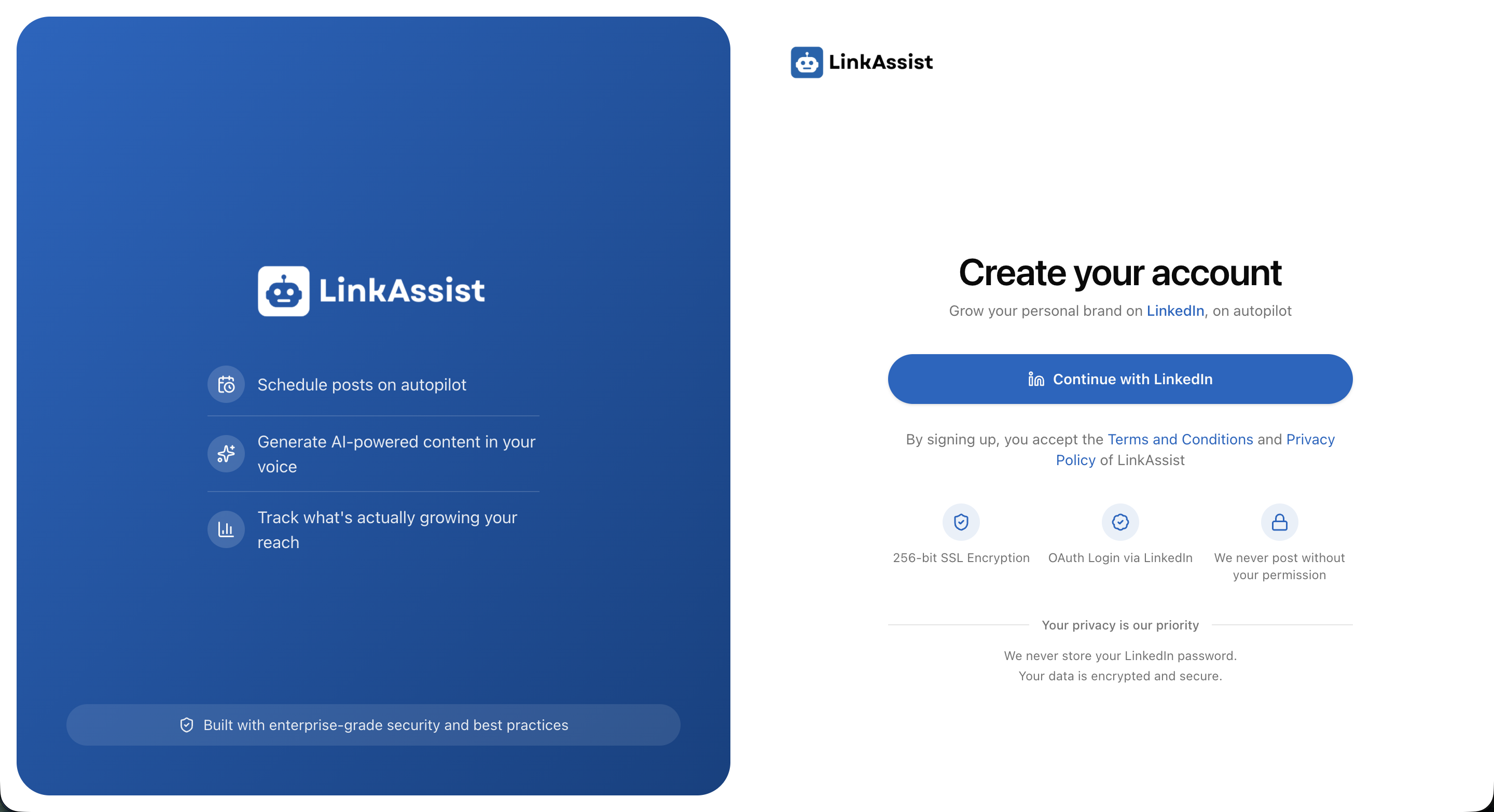
Get up and running in under 2 minutes with our Create Your Linkassist Account guide.
Why LinkAssist? Overcoming the "Content Trap"
Building an authoritative presence on LinkedIn is essential for modern professionals, yet most creators fall into common roadblocks:
👻 The "Silent" Expert
You have deep industry experience, but you're too busy working to spend hours writing hooks. LinkAssist drafts high-impact posts in seconds.
🤖 The "Generic" AI Victim
Standard AI outputs sound robotic and cliché. LinkAssist's User DNA engine trains the AI on your exact tone, proof points, and style.
📉 The "Vanity" Chaser
Getting likes with zero business pipeline. LinkAssist crafts content optimized for inbound leads, authority building, and meaningful engagement.
The LinkAssist Workflow
LinkAssist streamlines the entire lifecycle of LinkedIn content into five integrated steps:
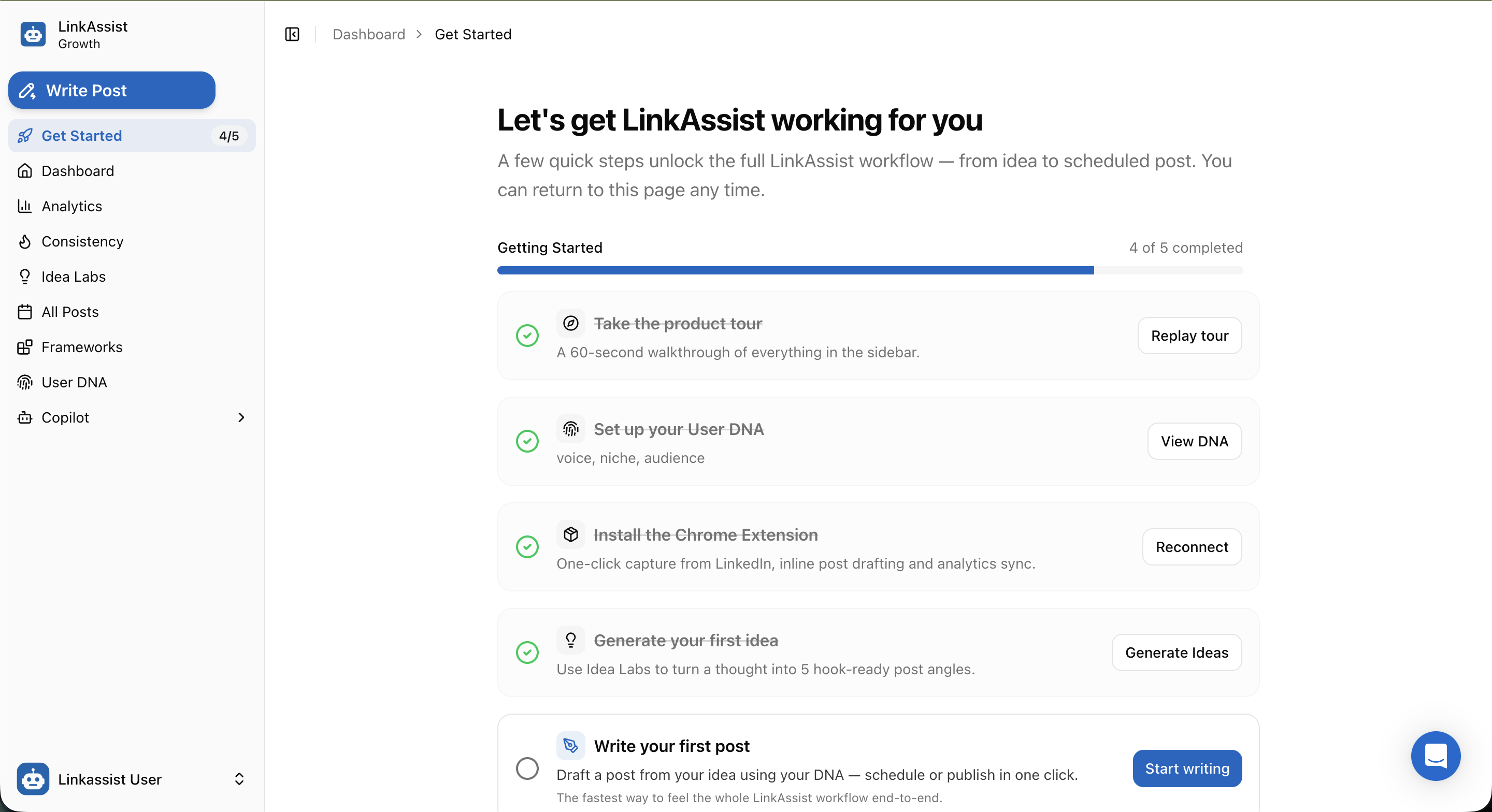
- User DNA Calibration — Define your target audience, industry niche, writing tone, and credibility proof points.
- Idea Generation (Idea Labs) — Convert a single thought, question, or trend into multiple hook-ready post angles.
- AI Post Drafting & Formatting — Polish ideas with proven LinkedIn frameworks, whitespace formatting, and persuasive hooks.
- Smart Scheduling & Calendar — Automatically queue content at peak engagement times.
- Real-time LinkedIn Sync (Chrome Extension) — Capture inspiring posts to your swipe file and generate AI comments directly on LinkedIn.
Explore Core Features
Create Account & Setup
Connect LinkedIn OAuth, calibrate your User DNA, and launch your workspace.
Idea Labs
Generate viral topic ideas and angle variations tailored to your audience.
Post Writer
Craft high-converting posts, repurpose blogs/YouTube, and generate hooks.
Frameworks & Library
Access battle-tested viral templates and manage your saved swipe posts.
Dashboard & Analytics
Track impressions, audience growth, consistency streaks, and engagement.
Chrome Extension
Engage on LinkedIn faster with AI comment generation and 1-click post saving.
Documentation Directory
Explore specific guides across each module of LinkAssist:
| Category | Topics Covered | Guides |
|---|---|---|
| Getting Started | Account setup, OAuth permissions, initial preference configuration | Create Account |
| Content Creation | Idea brainstorming, AI post writer, multi-post campaign automation | Idea Labs · Post Writer · Campaigns |
| Distribution | Visual content calendar, scheduled queues, drafts manager | Calendar · Drafts |
| Growth & Analytics | Performance metrics, engagement trends, Copilot AI strategy | Dashboard · Analytics · Consistency · Copilot |
| Library & Assets | Swipe posts, viral frameworks, creator profile, browser extension | Frameworks · Swipe Posts · Extension · Profile |
| User & Account | Workspace settings, plan upgrade, support, data deletion | Settings · Upgrade · Support |
Platform Components & Ecosystem
LinkAssist operates across three synchronized touchpoints:
| Component | URL | Role & Features |
|---|---|---|
| Web Application | app.linkassist.ai | Central dashboard, AI writer, scheduling, and analytics |
| Landing Portal | linkassist.ai | Product information, pricing, and account registration |
| Chrome Extension | Chrome Web Store | Native LinkedIn overlay for 1-click swipe saving & smart comments |
Need Assistance?
- Technical Support: Visit LinkAssist Support or check our Support Guide.
- Personalized Onboarding: Book a 1-on-1 Demo with our product team.
- Billing & Account Inquiries: Refer to our Subscription & Upgrade Guide.