
Chrome Extension
Supercharge your LinkedIn workflow with 1-click post bookmarking, inline AI comment generation, and real-time analytics synchronization.
The LinkAssist Chrome Extension bridges the LinkAssist web app directly with your active LinkedIn browsing experience. It enables seamless 1-click swipe post capturing, smart AI comment drafting directly in your feed, and automatic syncing of profile views and impression analytics.
1. Onboarding & Installation Prompt
During your onboarding checklist in Get Started, step 3 prompts you to install the official extension to unlock live synchronization.
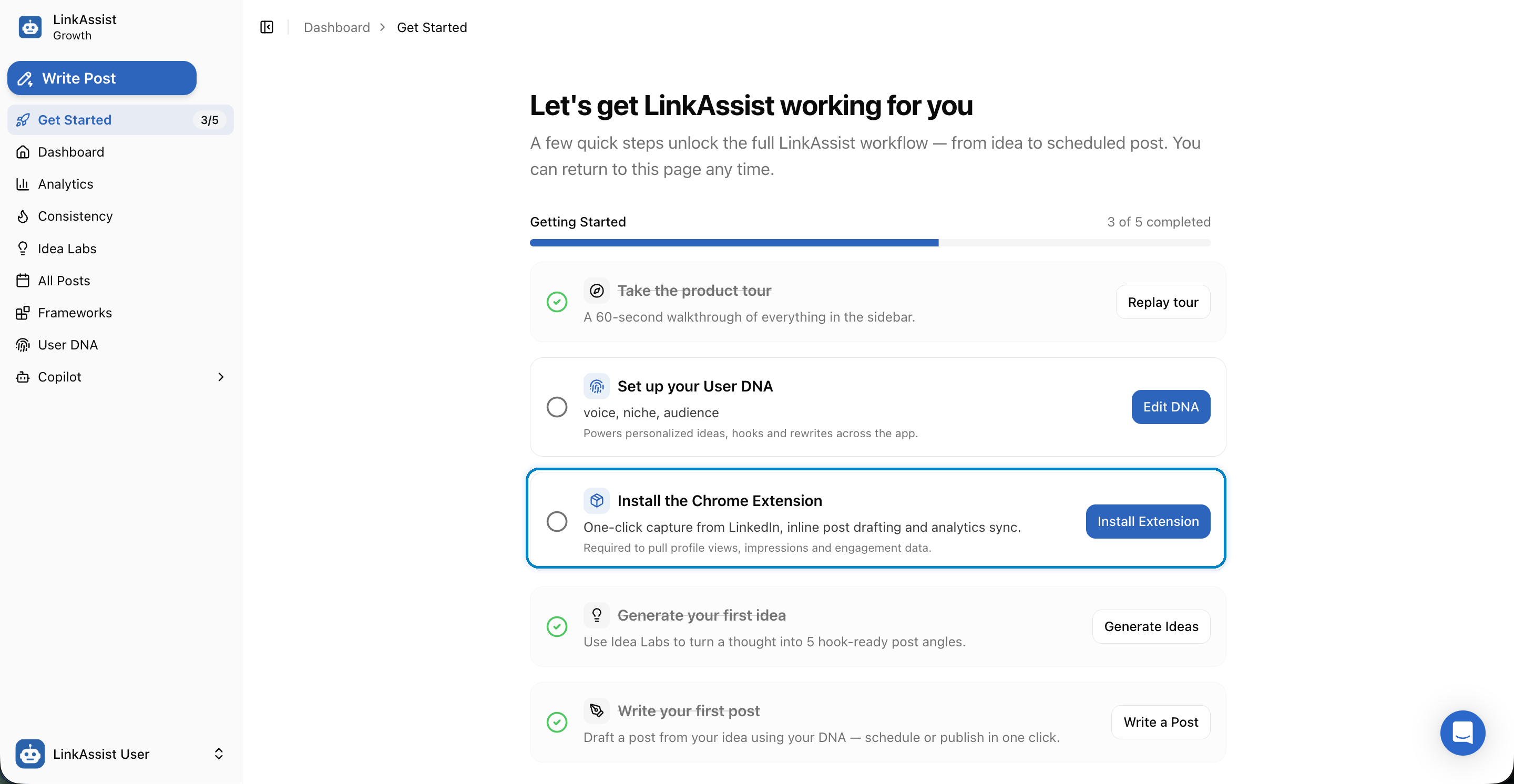
Why the Extension is Essential
- One-Click Inspiration Capture: Bookmark viral posts from LinkedIn, X (Twitter), or any website directly into Frameworks Swipe Posts.
- Inline Post & Comment Drafting: Generate context-aware AI comments in seconds without switching browser tabs.
- Analytics & Impression Sync: Seamlessly pulls real-time post views, impressions, and engagement metrics into your Analytics Dashboard.
2. Chrome Web Store Installation
Clicking Install Extension redirects you to the official Chrome Web Store listing for LinkAssist - LinkedIn AI Assistant.
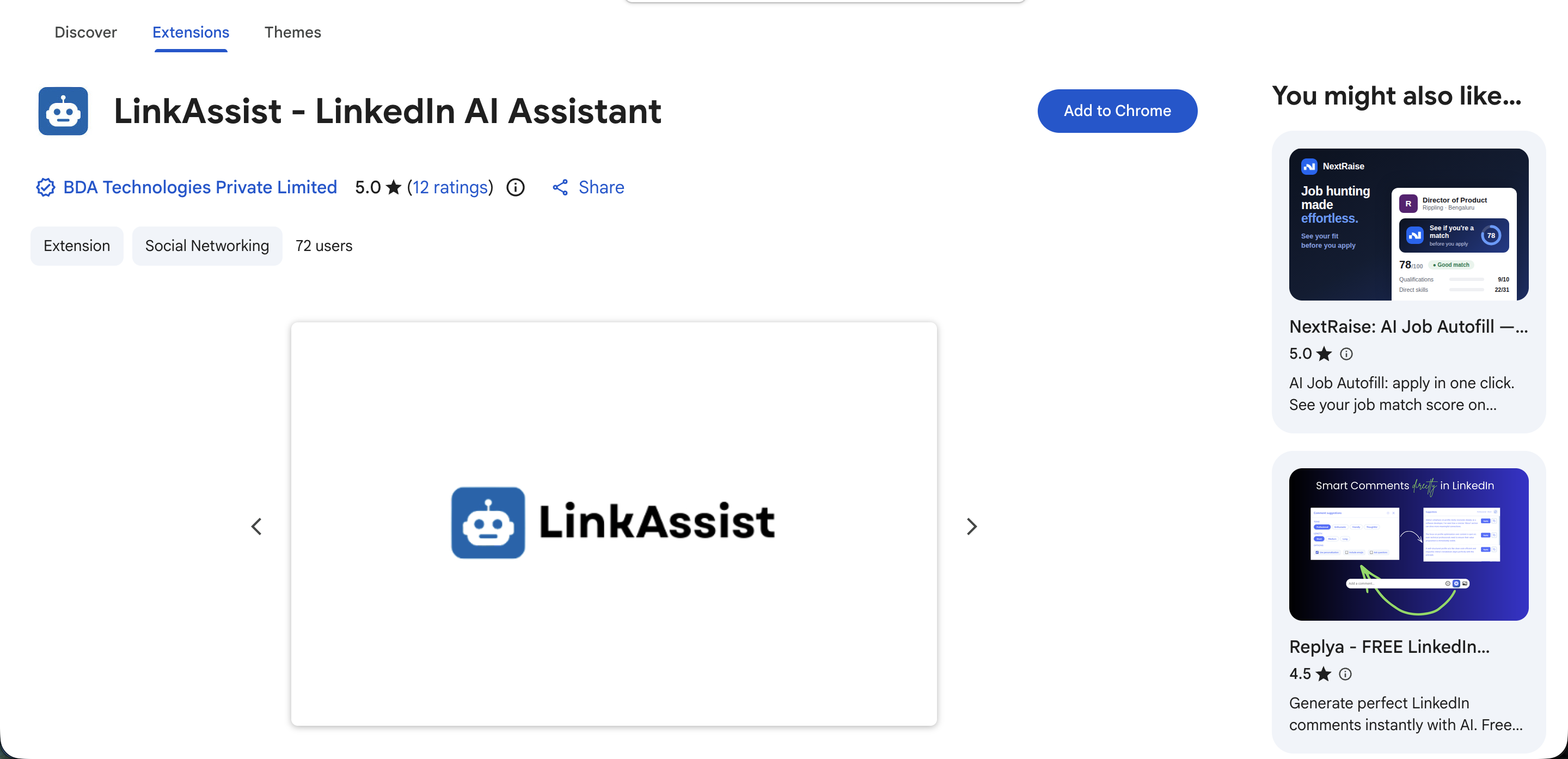
Installation Steps
Open Chrome Web Store Listing
Visit the LinkAssist extension page on the Chrome Web Store.
Click Add to Chrome
Click the primary blue Add to Chrome button in the top right.
Accept Browser Permissions
Review the permission dialog and click Add extension.
3. Browser Permissions & Security
When adding the extension, Chrome displays a standard permission confirmation prompt.
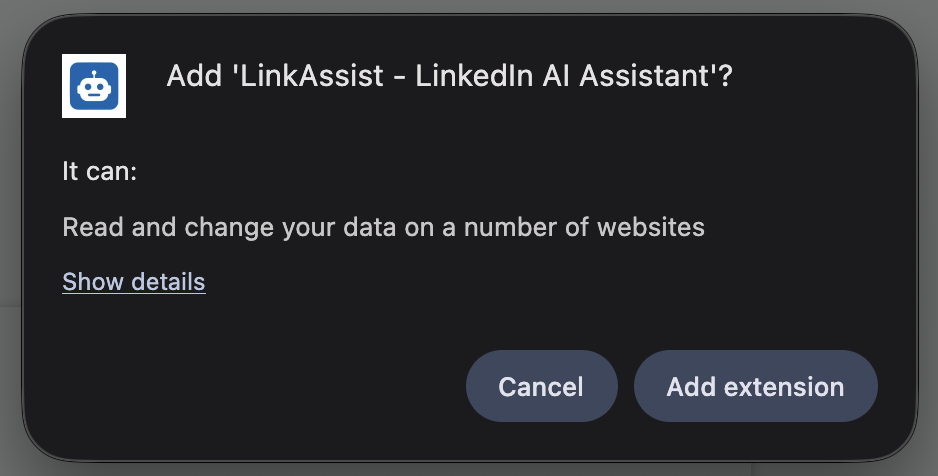
Permission Details & Privacy Safeguards
- Read & Change Data on Supported Websites: Required solely to inject the floating LinkAssist action buttons on
linkedin.comand capture selected text/posts when you click the swipe tool. - Zero Third-Party Tracking: LinkAssist never sells or shares your LinkedIn credentials, session cookies, or personal browsing history.
4. Extension Popup Menu & Key Controls
Once installed, pin the LinkAssist icon to your Chrome toolbar for instant access to quick tools.
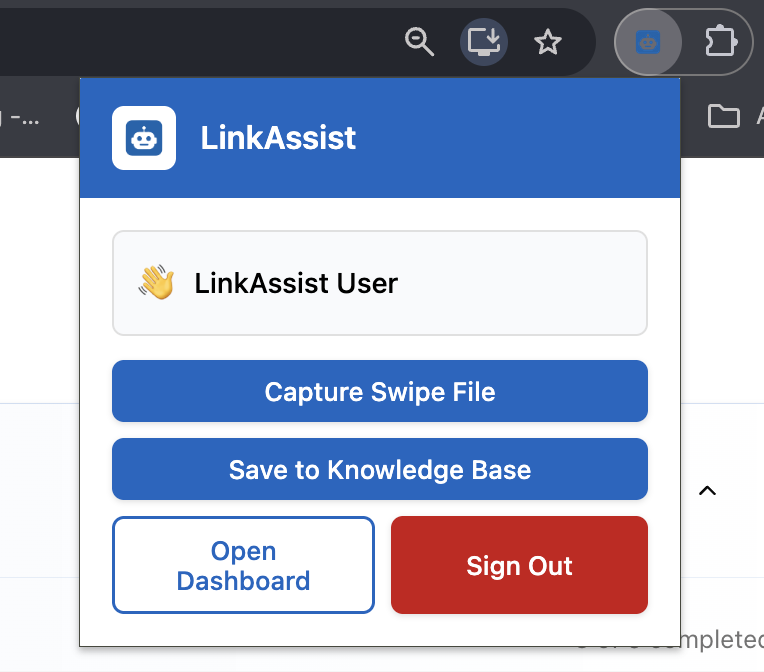
Core Extension Actions
| Tool | Action | What It Does |
|---|---|---|
| Capture Swipe File | 1-Click Capture | Instantly saves the active post, tweet, or article to your Swipe Posts repository for future repurposing. |
| Save to Knowledge Base | Knowledge Sync | Extracts research, case studies, or reference text and appends it to your User DNA memory. |
| Open Dashboard | Quick Launch | Direct shortcut to open your full LinkAssist workspace in a new browser tab. |
| Sign Out | Account Control | Safely ends the active extension session. |
5. Inline Smart AI Commenting on LinkedIn
While browsing your LinkedIn feed, LinkAssist embeds smart action icons beneath every post:
- Generate Relevant Comments: Click the AI comment button to generate 3 thoughtful response angles (Insightful, Supportive, or Contrarian) calibrated to your User Voice DNA.
- Speed up Relationship Building: Leave 20+ authentic, value-additive comments in under 5 minutes to trigger inbound profile visits and algorithm visibility.
Pro-Tip on Engagement: Consistent daily commenting on target prospect posts is the fastest way to increase your own post reach. Pair extension commenting with Consistency Tracking for maximum compound growth.
Troubleshooting & Verification
If the extension icon shows disconnected or fails to capture posts:
- Verify Pin Status: Click the puzzle icon (🧩) in your Chrome toolbar and pin LinkAssist.
- Refresh LinkedIn: Refresh your active LinkedIn tab (
Cmd + RorCtrl + R). - Re-Authenticate: Open the extension popup, click Open Dashboard, and verify your login in Settings $\rightarrow$ Account.
Next Steps
MCP tools reference
Every LinkAssist MCP tool, its inputs and results, and the rules for using them. Written for AI assistants and developers.
Settings
Manage your LinkedIn integration, company pages, subscription plans, invoices, timezone preferences, AI app connections (MCP), and data privacy in LinkAssist.