
Library
Swipe Posts
Swipe Posts store LinkedIn posts you saved for reference, research, or reuse. This is your inspiration collection.
What Swipe Posts Are
Swipe Posts help you:
- Collect inspiration from successful content
- Study what works in your industry
- Analyze viral patterns and engagement techniques
- Build templates from proven formats
What You Can Do in Swipe Posts
From the Swipe Posts section:
- Search posts by keyword or author name
- Filter posts by category or topic
- View saved content with full context
- Import into Frameworks to create reusable templates
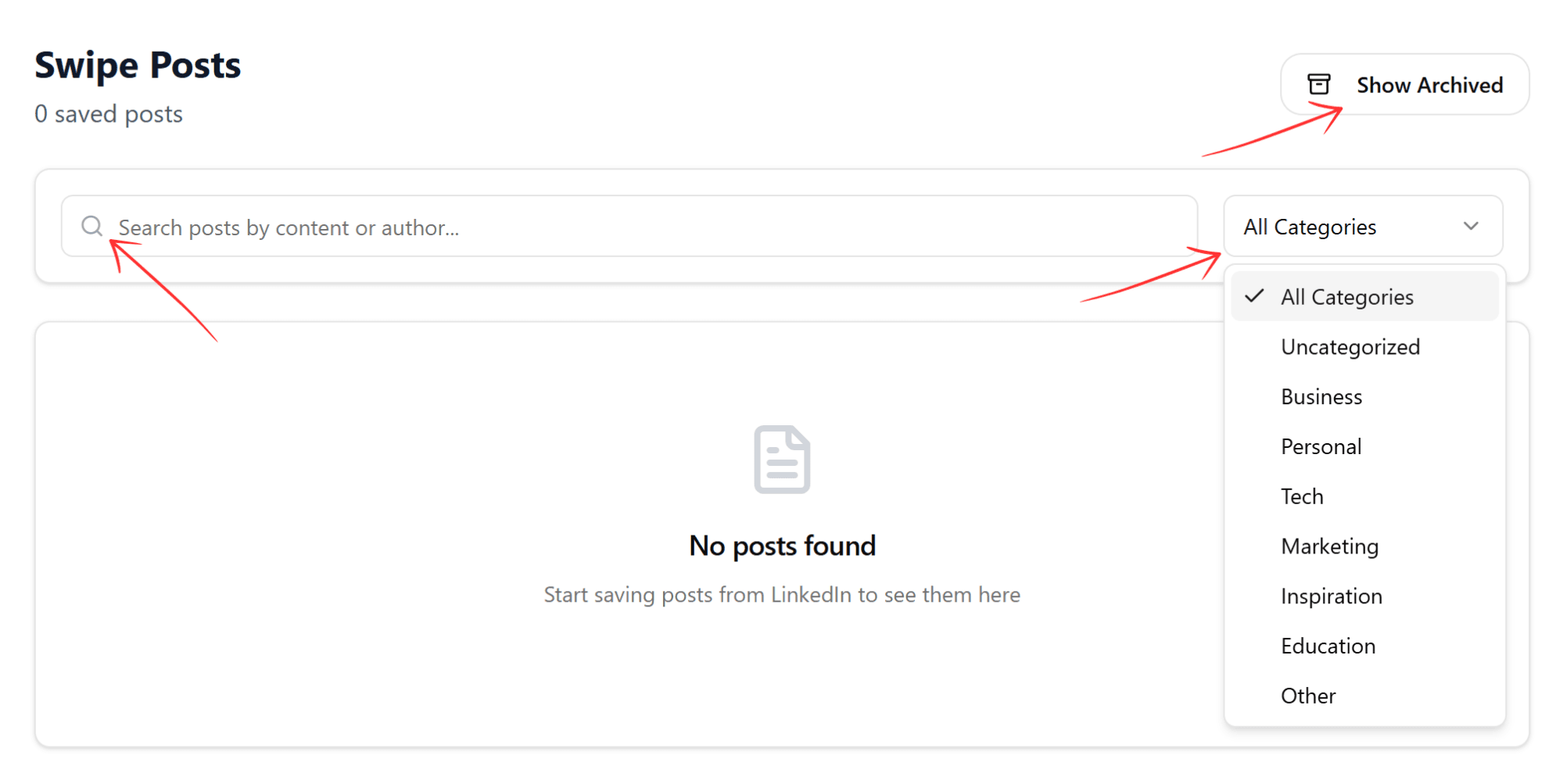
If you see "No posts found", you haven't saved any LinkedIn posts yet. Start saving posts from LinkedIn to build your swipe library.
Saving Posts to Your Swipe File
You can save LinkedIn posts directly while browsing:
- Use the LinkAssist Chrome Extension
- Click "Save to LinkAssist" on any LinkedIn post
- Add tags and notes (optional)
- Access saved posts from your dashboard
Learn more about the Chrome Extension →
Organizing Your Swipe Posts
Keep your swipe file organized by:
- Adding descriptive tags
- Writing notes about why you saved it
- Categorizing by content type or topic
- Regularly reviewing and curating
What's Next?
- Create templates in Frameworks
- Install the Chrome Extension
- Generate posts with Post Writer